| Version 1 (modified by , 10 months ago) ( diff ) |
|---|
Site Navigation
- COSMOS Testbed Overview
- Getting Started
- COSMOS/ORBIT User Guide
- COSMOS Portal
- Account Management
- Portal Dashboard
- Directory
- Disk Images
- Community Forum
- Getting Started with the COSMOS Portal
- SSH Access to Testbed Nodes
- Scheduler
- Testbed Status
- Installing Chrome Remote Desktop (CRD) on a Custom Image
- Tutorials
- Architecture
- Resources, Services and APIs
- Datasets
- Hardware Info
- RF Policies & Compliance
FR3 SDRs
This setup is designed for advanced wireless research and prototyping in FR3 frequency bands, supporting next-generation 5G/6G air interface and 2×2 MIMO experimentation.

As can be seen in the block diagram, the COSMOS FR3 experimental setup consists of two units each using a combination of USRP-2974 (Krypton) SDRs and Pi-Radio FR3 SDR front-end hardware. The Pi-Radio FR3 SDR units can be configured to operate across the entire 6 GHz to 24 GHz range, supporting experimentation in the full FR3 band.
Pi-Radio FR3 SDR
The Pi-Radio FR3 front-end includes a wideband RF transceiver board capable of two-stage up- and down-conversion to meet stringent out-of-band (OOB) and adjacent channel rejection (ACLR) requirements, as well as strict spectral masks. Each FR3 front-end supports 2×2 MIMO via connections to a pair of Vivaldi antennas for transmit (Tx1, Tx2) and receive (Rx1, Rx2). The digital baseband board allows the FR3 front-end to be connected via SMA cables to any sub-6 GHz SDR (e.g., USRP, Xilinx RFSoC, Pluto), providing maximum flexibility for rapid prototyping and experimentation in upper mid-band/FR3 spectrum. The platform supports advanced research use cases such as end-to-end 5G/6G Open Air Interface (OAI) links, O-RAN compliant radio units, and channel sounding for propagation and spatial studies.
USRP-2974 (Krypton):
The USRP-2974 is an integrated software-defined radio platform with a quad-core Intel i7 processor, 8 GB RAM, 256 GB SSD, and embedded X310 radio supporting wideband operation. It supports high-throughput data movement either via the internal PCI Express bus or external 10 GbE, providing a flexible and powerful baseband processing environment for advanced wireless prototyping.
The USRP-2974 connects to the Pi-Radio FR3 SDR front-end module through a set of 20 dB attenuators, which perform up/down-conversion between sub-6 GHz and FR3 frequencies. The units are interconnected via dual sub-6 GHz RF paths with variable attenuation, enabling flexible RF experimentation and emulation of over-the-air links.
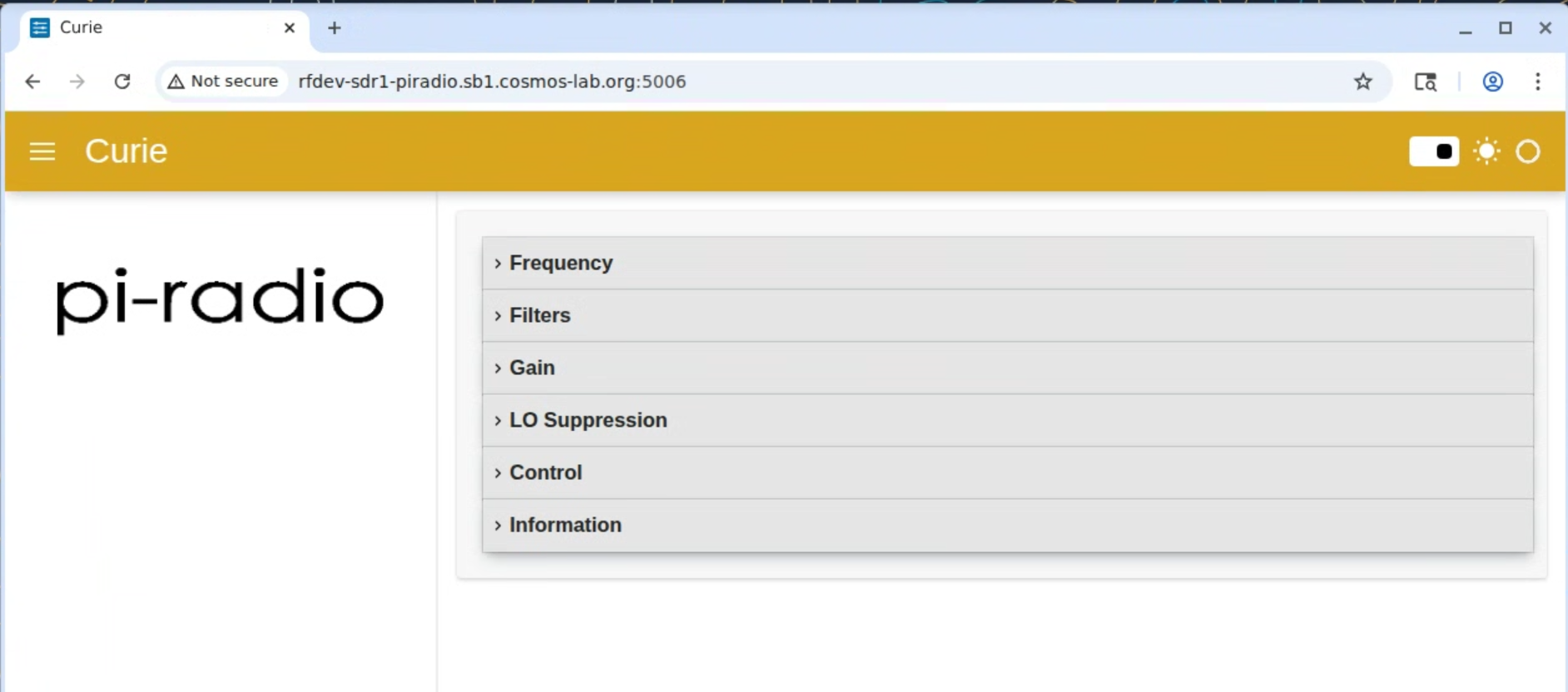
The FR3 RF front-ends are configured over Ethernet at addresses rfdev-sdr1-piradio.sb1.cosmos-lab.org and rfdev-sdr2-piradio.sb1.cosmos-lab.org, while the two baseband USRPs can be accessed via sdr1-piradio.sb1.cosmos-lab.org and sdr2-piradio.sb1.cosmos-lab.org.
Tutorials
Attachments (7)
- FR3-BD.png (175.5 KB ) - added by 10 months ago.
-
pi-browser.png
(350.8 KB
) - added by 10 months ago.
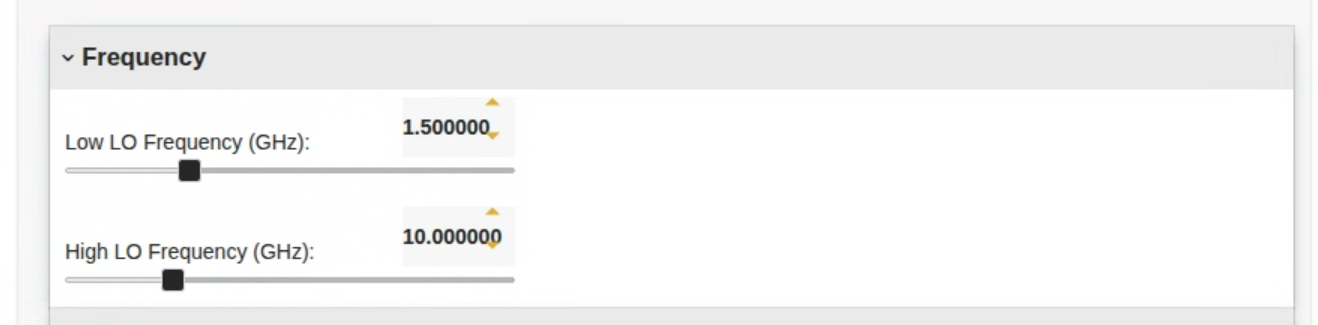
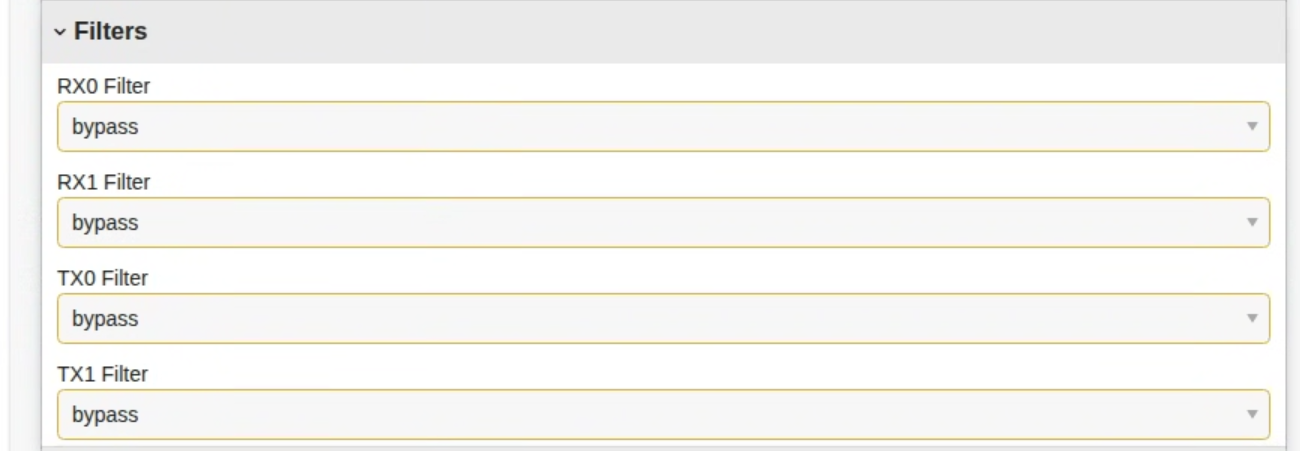
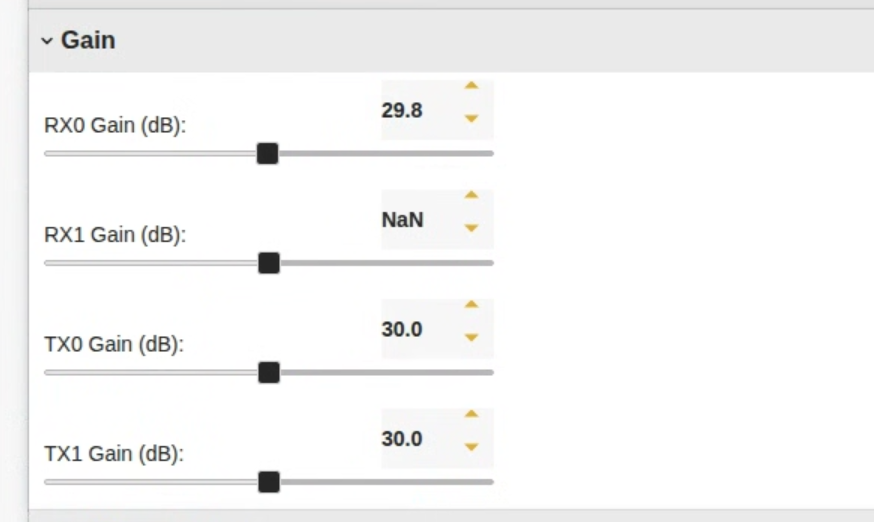
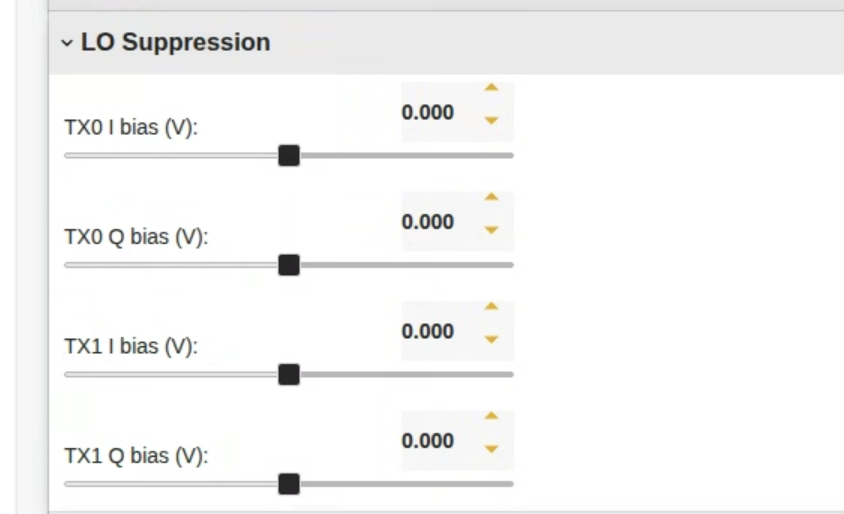
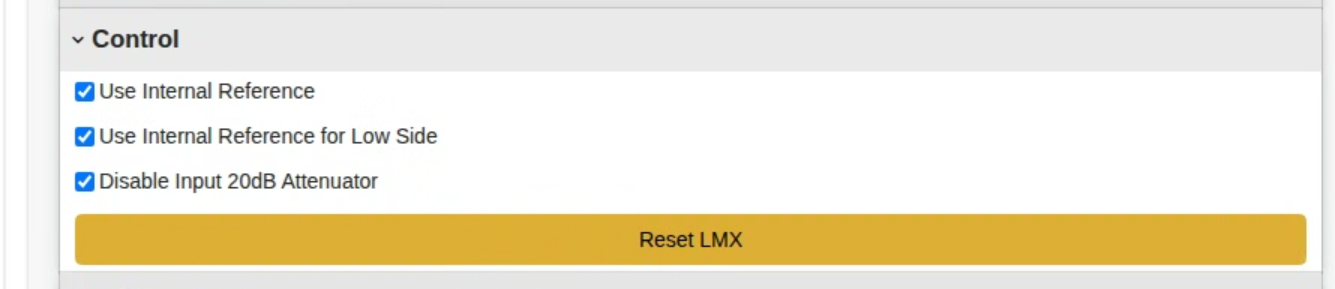
Pi-Radio FR3 Web-based Control Interface
- pi-frequency.png (129.9 KB ) - added by 10 months ago.
- pi-filters.png (132.3 KB ) - added by 10 months ago.
- pi-gain.png (135.3 KB ) - added by 10 months ago.
- pi-suppression.png (117.2 KB ) - added by 10 months ago.
- pi-control.png (107.3 KB ) - added by 10 months ago.
Download all attachments as: .zip