Site Navigation
- COSMOS Testbed Overview
- Getting Started
- COSMOS/ORBIT User Guide
- COSMOS Portal
- Account Management
- Portal Dashboard
- Directory
- Disk Images
- Community Forum
- Getting Started with the COSMOS Portal
- SSH Access to Testbed Nodes
- Scheduler
- Testbed Status
- Installing Chrome Remote Desktop (CRD) on a Custom Image
- Tutorials
- Architecture
- Resources, Services and APIs
- Datasets
- Hardware Info
- RF Policies & Compliance
AM/FM Modulation
Authors:
- Panagiotis Skrimponis, New York University: ps3857[at]nyu.edu
- Nikos Makris, New York University
Last updated: September 22, 2020
Description
Teaching the properties of waves by visualizing amplitude modulated (AM) and frequency modulated (FM) wave signals in time and frequency domain.
Educational Standards
MS-PS4-1 Develop a model and use mathematical representations to describe waves that include frequency, wavelength, and how the amplitude of a wave is related to the energy in a wave.
Experiment Execution
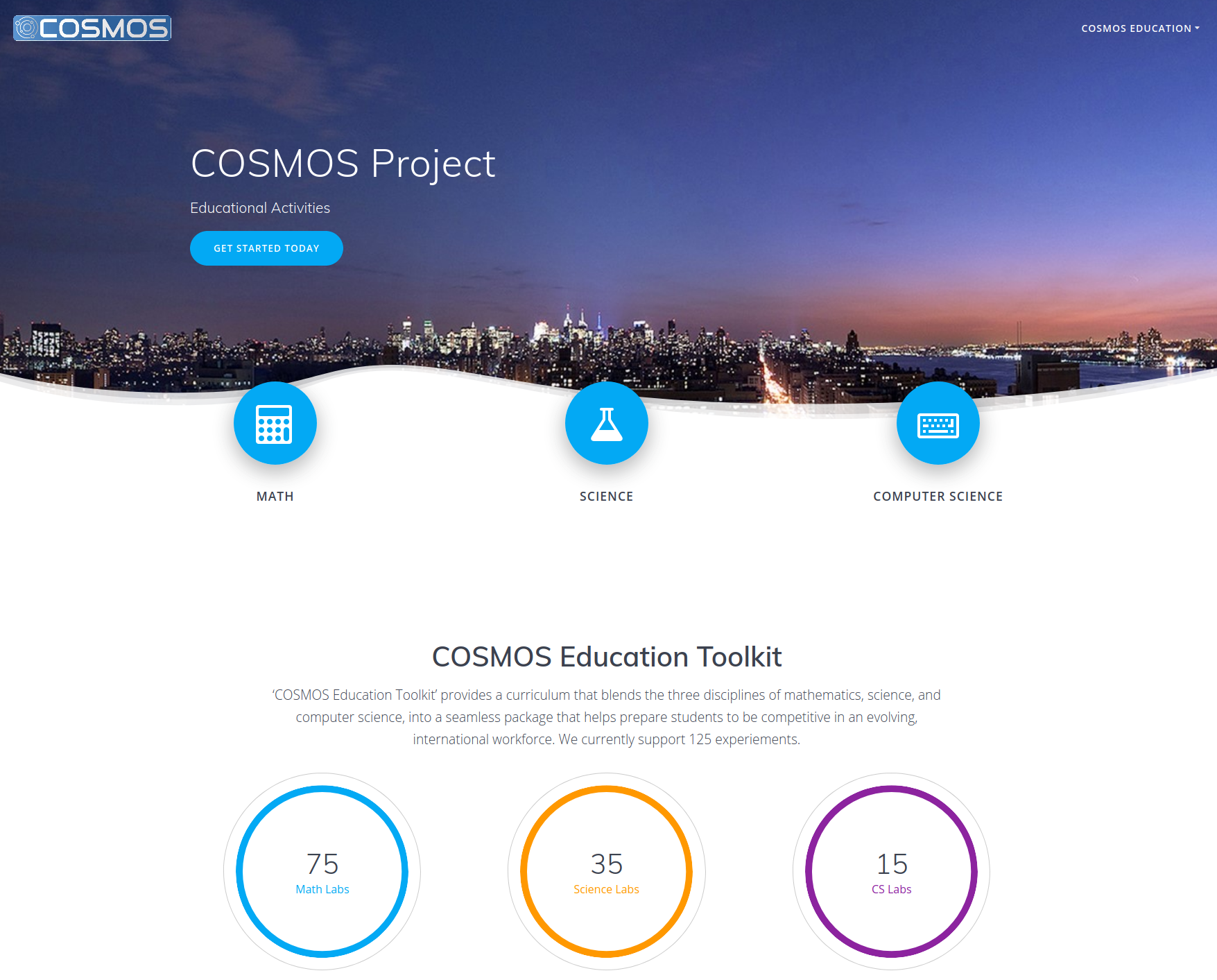
First you need to complete all the steps described in the tutorial. Then, you need open the web interface of either one of the nodes. Let's open http://localhost:8081. If you did all the steps correctly you should be able to see the following,

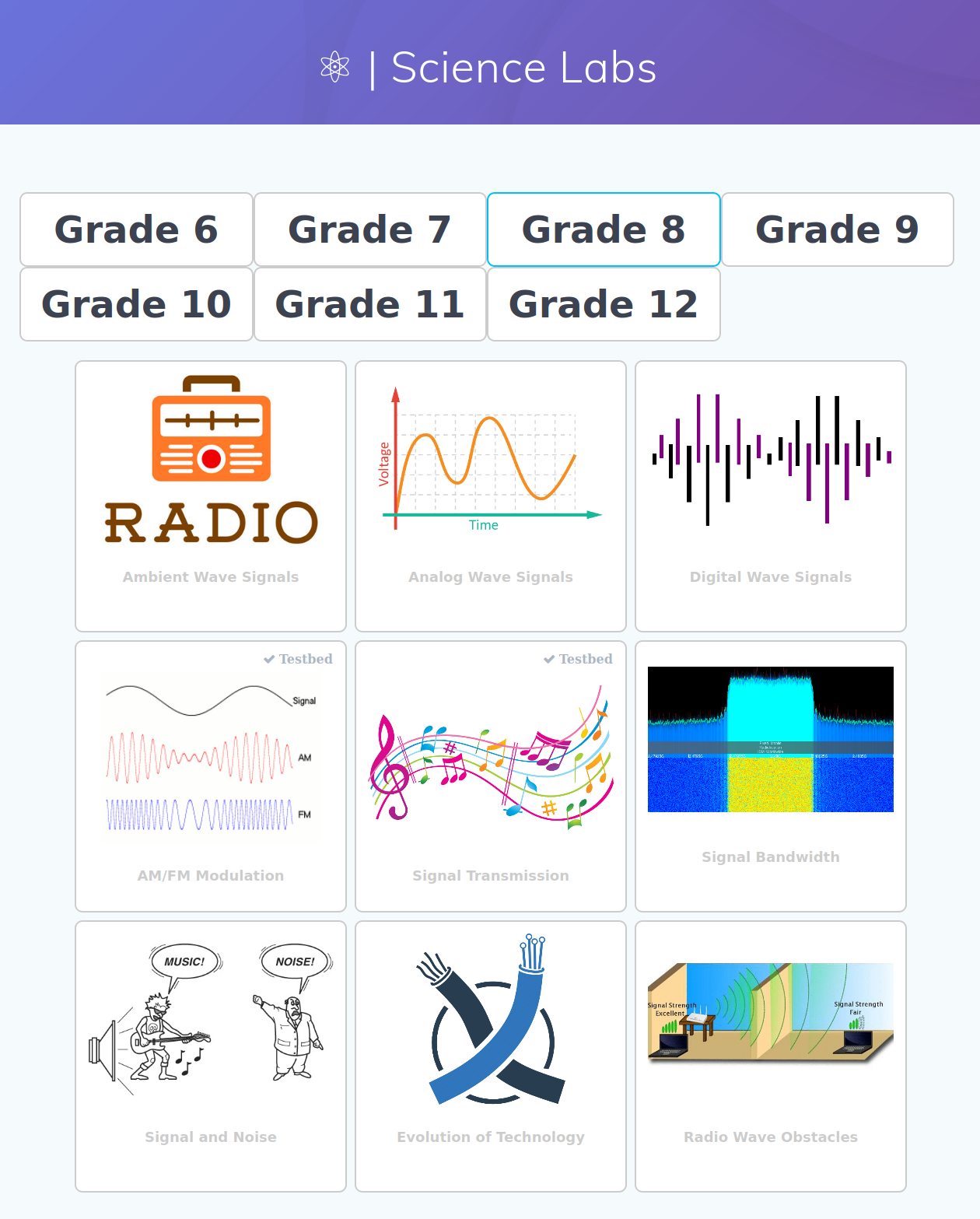
Press on the 'Science' radio button to the open the science lesson plan webpage, where you need to select 'Grade 8'.

Observe that some of the lessons in the top right corner have an indication that they can be executed on COSMOS website. While in the 'COSMOS Education Toolkit' we have more than 100+ lesson plans and labs, we currently support only few for remote experimentation. We will keep updating the website and the experiments until all of them can be executed both locally and remotely.
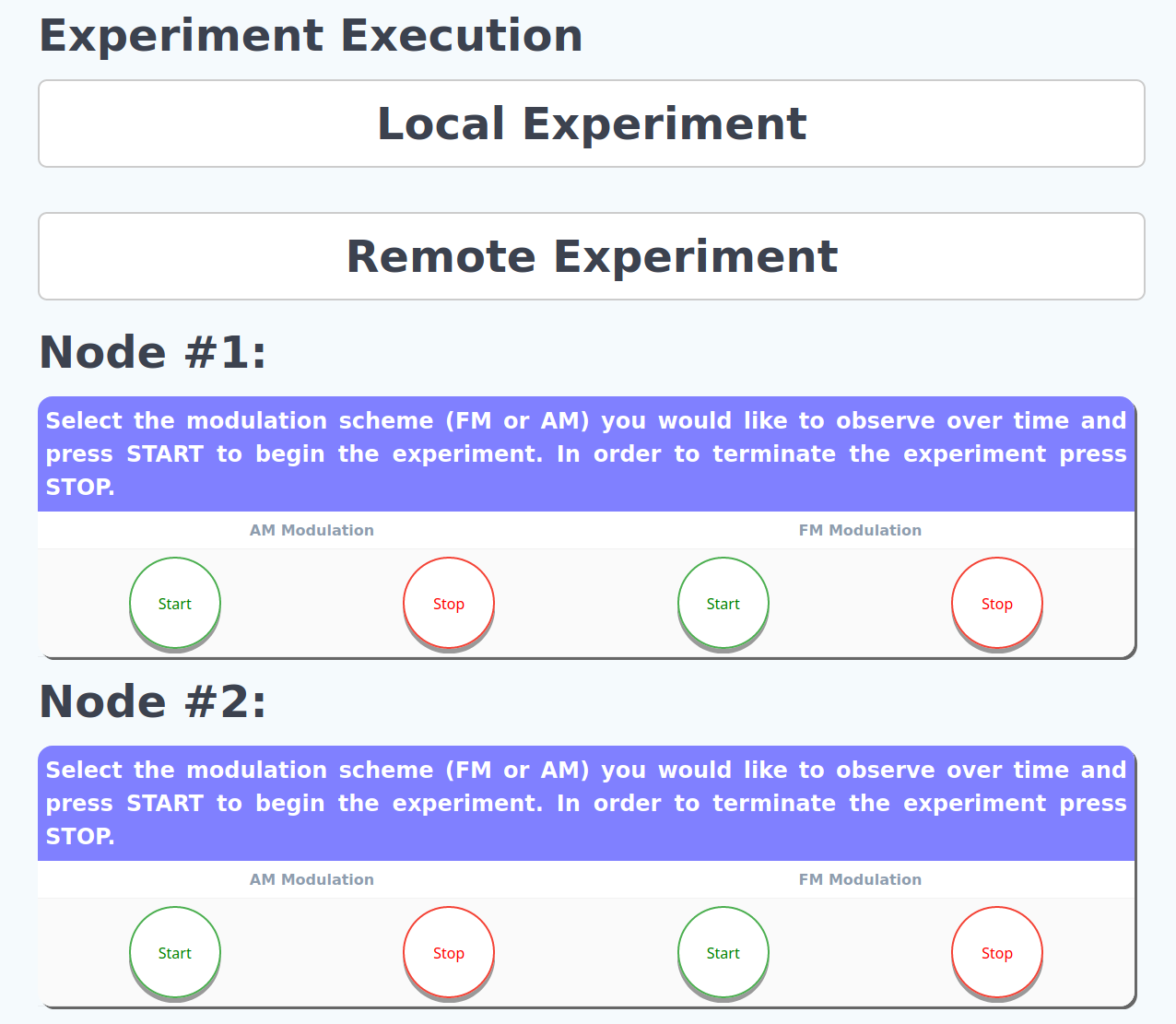
Then, you need to select 'AM/FM Modulation'.In the new webpage we can see a detailed description of the experiment, the educational standards that we focus on, and a detailed description of the experiment execution. In the experiment execution you can expand the 'Remote Experiment' section.

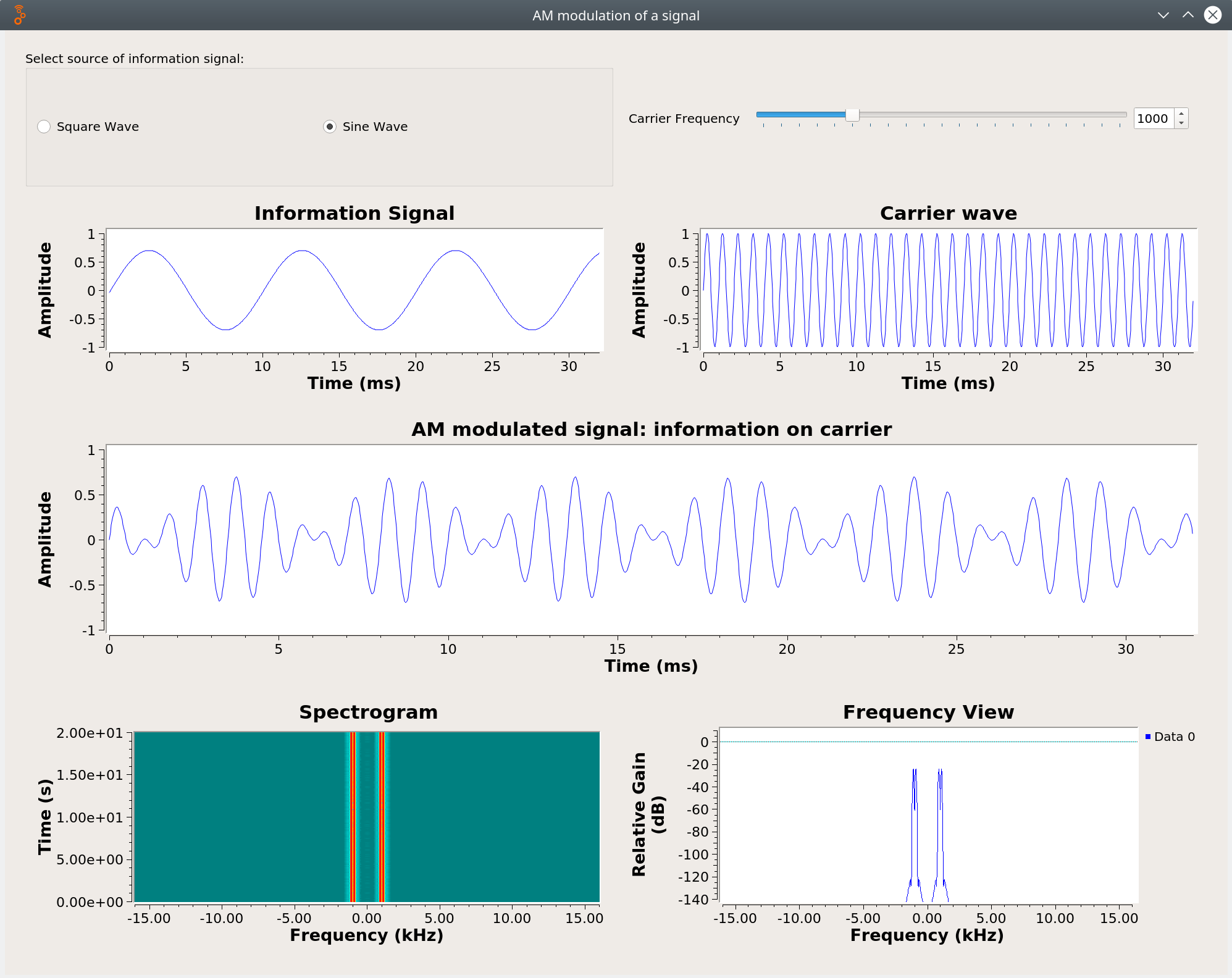
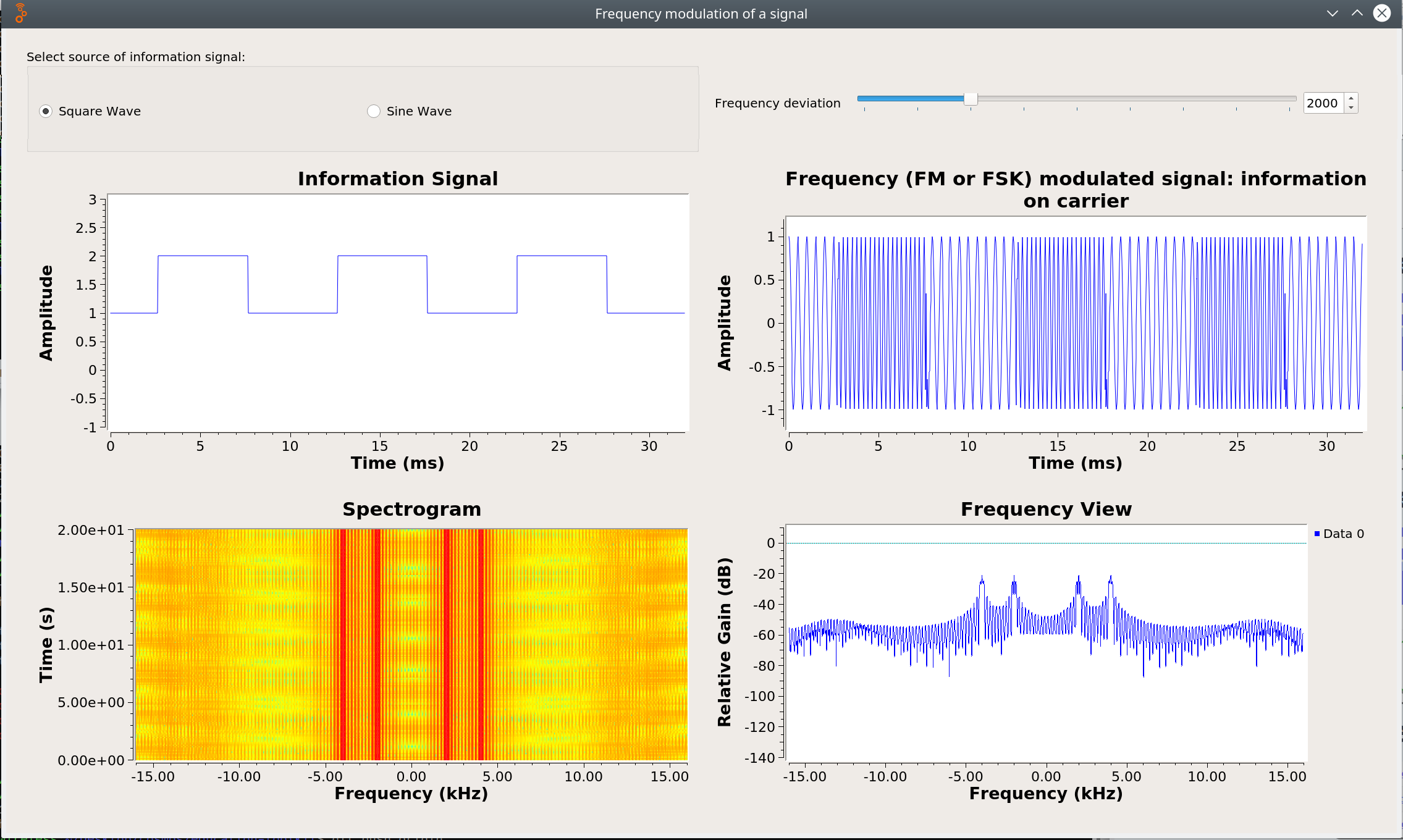
The students first need to observe the AM signal first. So they should press START either on node #1 or node #2. In this tutorial we consider sdr2-s1-lg1 as node #1 and sdr2-md1 as node #2. The students need to use different information wave signals (square and sine), and different carrier frequency. The students should observe the effect of these two parameters between the original information and the AM signal. The students should take notes on their observations for both time and frequency domain plots. When the students are done they should press the appropriate STOP to complete the AM experiment. Then, the students should press START either on node #1 or node #2 to start the FM experiment, and repeat the above process to collect measurements and observations. In the end the students will compare their observations
for the AM signal and FM signal and state their interpretations. After all students complete their handouts there will be a share out with observations and comments.
 | 
|
| (a) Amplitude modulation of a signal | (b) Frequency modulation of a signal |
Attachments (5)
-
toolkit-web.png
(971.4 KB
) - added by 6 years ago.
Starting web page of the toolkit framework
-
am_modulation.png
(174.0 KB
) - added by 6 years ago.
AM modulation using GNU Radio
-
fm_modulation.png
(450.2 KB
) - added by 6 years ago.
FM modulation using GNU Radio
-
tookit-science.png
(468.7 KB
) - added by 6 years ago.
Science lesson plans and labs for the 8th grade
-
toolkit-experiment.png
(123.2 KB
) - added by 6 years ago.
Experiment section of the AM/FM lesson plan