| Version 3 (modified by , 4 years ago) ( diff ) |
|---|
Site Navigation
- COSMOS Testbed Overview
- Getting Started
- COSMOS/ORBIT User Guide
- COSMOS Portal
- Account Management
- Portal Dashboard
- Directory
- Disk Images
- Community Forum
- Getting Started with the COSMOS Portal
- SSH Access to Testbed Nodes
- Scheduler
- Testbed Status
- Installing Chrome Remote Desktop (CRD) on a Custom Image
- Tutorials
- Architecture
- Resources, Services and APIs
- Datasets
- Hardware Info
- RF Policies & Compliance
Getting Started with COSMOS SDR Resources
Description
In this tutorial we'll demonstrate how to run a basic wireless experiment using software defined radios in the COSMOS testbed. Two COSMOS nodes will be used: one to transmit a signal, and the other to receive it.
Prerequisites
All tutorials on the COSMOS wiki assume that you have already created a user account through the new user registration form.
In order to access the test bed, create a reservation on the online scheduler and have it approved by the reservation service. Access to the resources are granted after the reservation is confirmed. Please see the page describing the COSMOS work flow page for more information.
Resources required
For this example we used two USRP 2974 SDRs on sandbox 1. These SDRs have an onboard SOM with an i7 processor, which is the device you're loading the orbit image onto and connecting to over ssh. They also have an fpga connected to the four antennas. We won't have to worry about the specifics of the USRP for this tutorial.
Tutorial Setup
Follow the steps below to gain access to this console and set up your node with an appropriate image.
- Create a resource reservation for sandbox 1.
- Once reservation is approved, login into the console using ssh. Since you are using sandbox 1, you will ssh to
YOUR_USERNAME@console.sb1.cosmos-lab.org
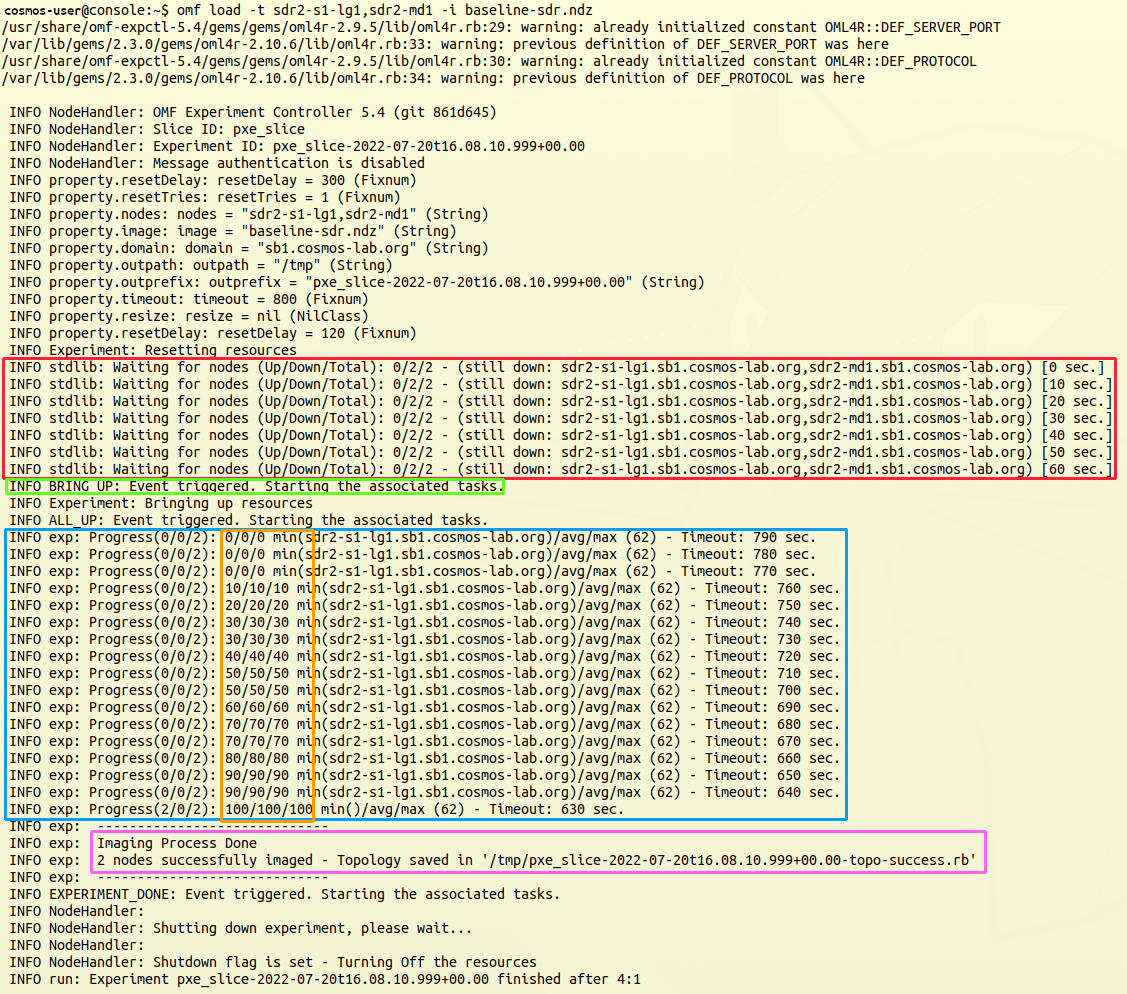
- Use OMF commands to load the baseline-uhd.sdr image on your resources.
omf load -i baseline-uhd.ndz -t sdr2-s1-lg1,sdr2-md1
- Once the nodes are successfully imaged, turn them on and check the status
omf tell -a on -t sdr2-s1-lg1,sdr2-md1
omf stat -t sdr2-s1-lg1,sdr2-md1
- After waiting for the nodes to power up and boot, you will be able to ssh to them from the console:
NOTE: for some nodes, such as the server machines, it can take several minutes for a node to finish the booting process. This is normal, and you'll have to wait until the nodes is fully booted before you can ssh to it.
ssh root@sdr2-s1-lg1
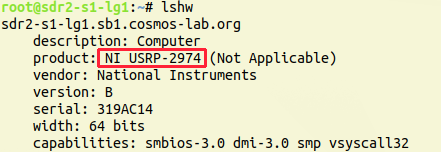
- Once you have an ssh session on either machine, you can verify that it is the proper type of node by looking at the output of lshw:

Attachments (7)
-
lshw.png
(26.1 KB
) - added by 4 years ago.
output of lshw
-
image-save.png
(447.9 KB
) - added by 4 years ago.
Output of image loading
-
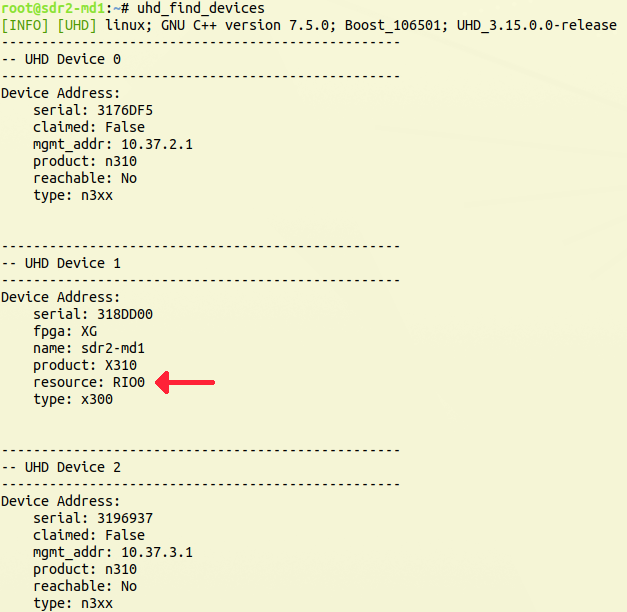
find_devices.png
(78.0 KB
) - added by 4 years ago.
Output of uhd_find_devices
-
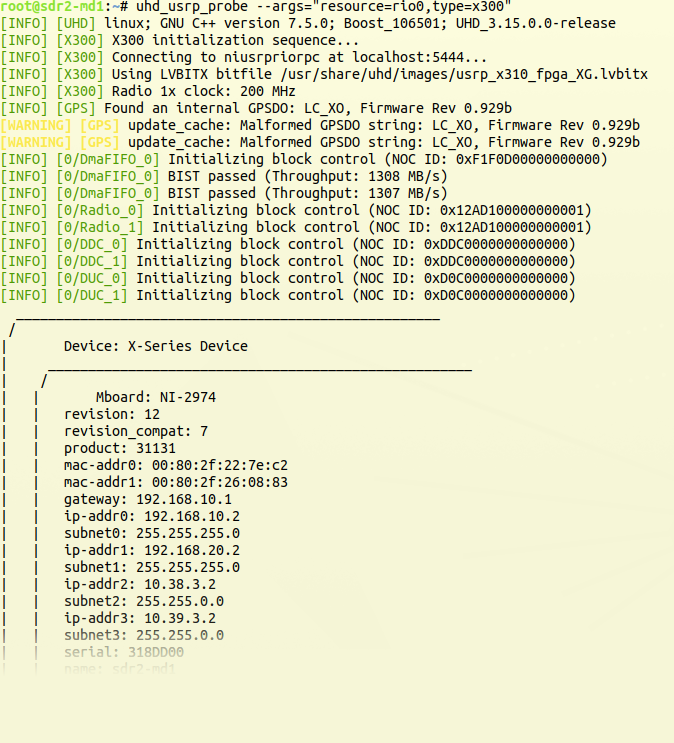
uhd_probe.png
(177.7 KB
) - added by 4 years ago.
Output of uhd_usrp_probe
-
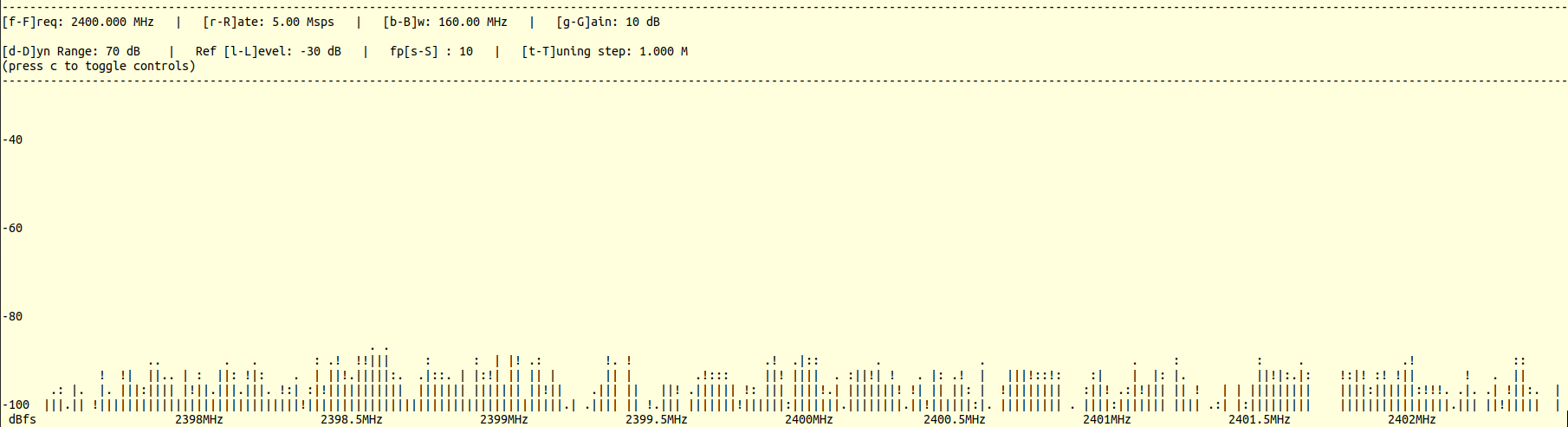
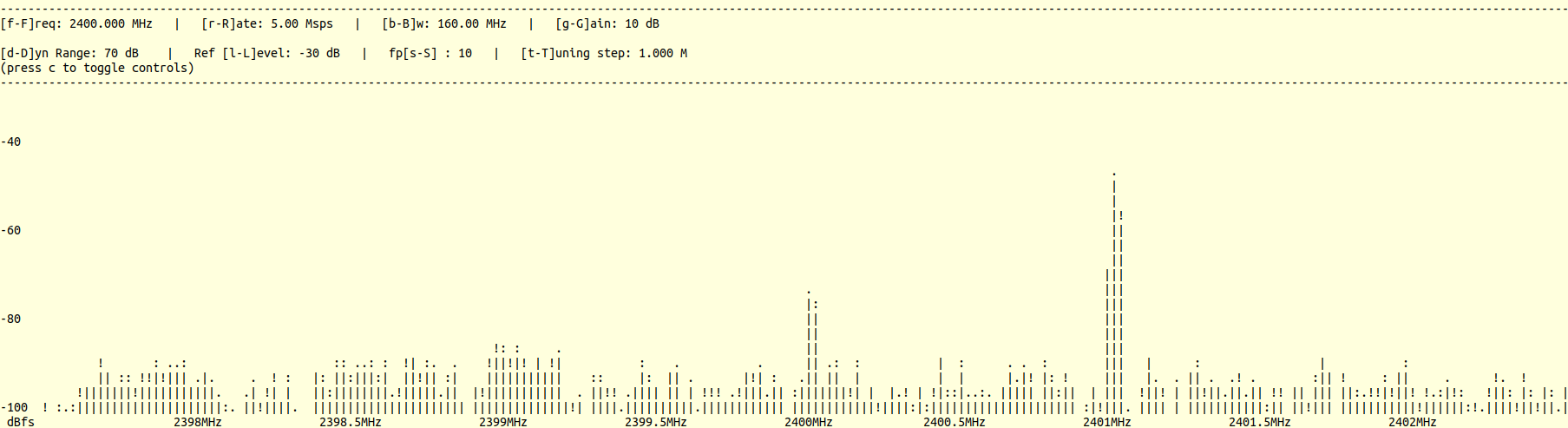
rx-ascii-no-sig.png
(29.1 KB
) - added by 4 years ago.
Received DFT with no tx
-
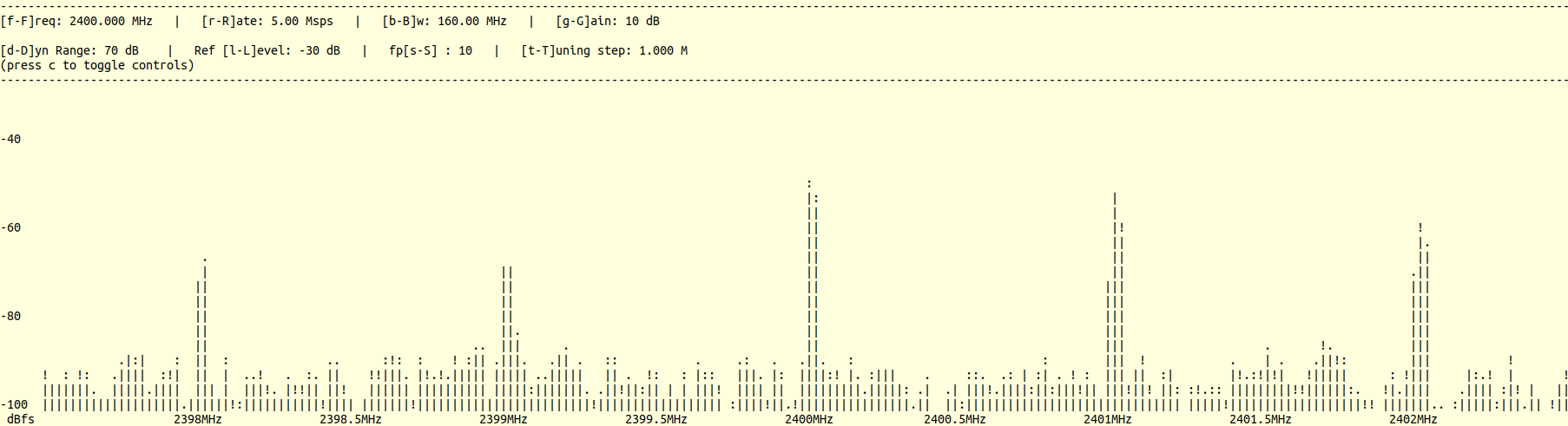
rx-ascii-sine-sig.png
(29.9 KB
) - added by 4 years ago.
Received DFT with transmitted sine wave
-
rx-ascii-square-sig.png
(30.0 KB
) - added by 4 years ago.
Received DFT with transmitted square wave
Download all attachments as: .zip